How to Use git-crypt to Store Secrets Safely in Git

What it is

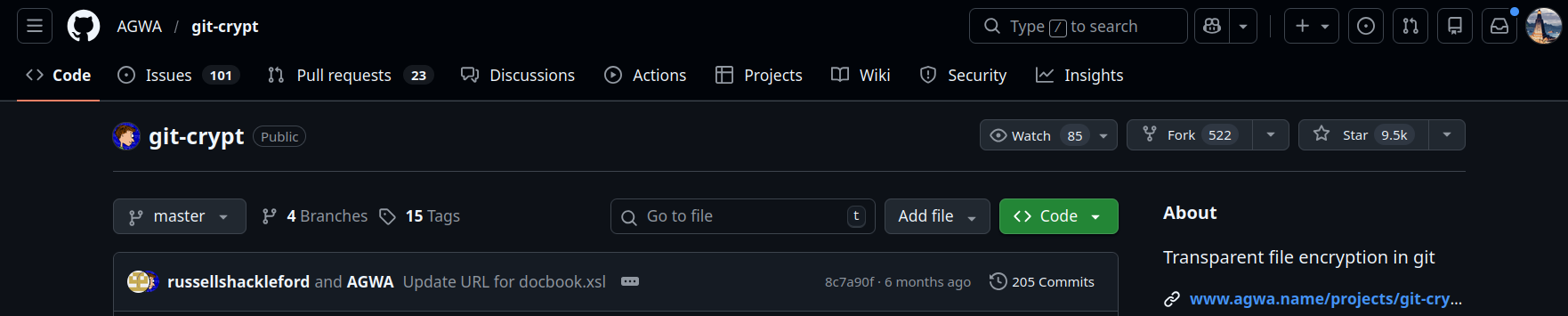
git-crypt lets you keep secrets in your Git repository while only decrypting them for authorized users.

  • Plaintext in the working tree is stored in Git as encrypted blobs.
  • Authorized collaborators can automatically decrypt files after checkout.
  • Everyone else sees ciphertext only.

Why use it

  • API tokens, credentials, and service configs in version control
  • Shared environment templates and deployment secrets
  • Team workflows where full-file encryption is too heavy for ad-hoc secret management

Install

brew install git-crypt       # macOS
sudo apt install git-crypt   # Debian/Ubuntu

Initialize and set up a repo

git init
git-crypt init

git-crypt init creates cryptographic keys in .git/git-crypt and starts tracking repository-wide encryption state.

Rendering unified diffs in React

Words: 588 · Reading: 3 min


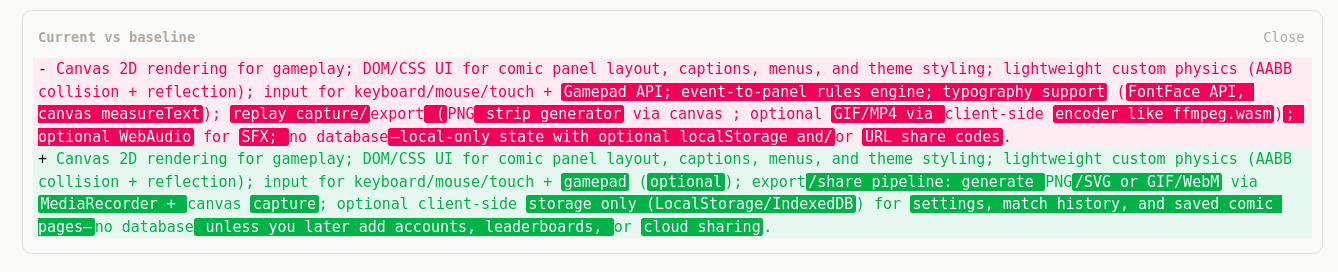
You can show unified-diff style changes (like git diff) between two strings in any web app — for example, comparing a saved baseline to the current value in a form or editor. Here’s a minimal approach using one dependency and a bit of React.
What you get

  • Unified format: each line prefixed with + (added), - (removed), or two spaces (unchanged).
  • Line-level diff: compute add/remove/unchanged chunks with the diff package.
  • Word-level highlighting (optional): on changed lines, highlight only the words that changed, not the whole line.
  • Familiar colors: green for additions, red for removals.

1. Install and compute the diff

npm install diff
import { diffLines, diffWords, type Change } from "diff";

function computeDiff(oldText: string, newText: string): Change[] {
  return diffLines(oldText || "", newText || "");
}

diffLines returns an array of Change objects: